 Fieldguide
Item overview
Hand Mirror copies incoming effects from a marked item to a marked item opposite it. It needs a working source connection and a second recipient that can use the copied effect.
- Effect
- Copies incoming effects between marked items.
- Direction
- The second recipient must be opposite the first.
- Restriction
- Copying an effect does not remove its recipient requirements.
Strengths
- Can carry an existing support effect to another eligible recipient.
- Provides another placement option when direct support reach is awkward.
Weaknesses
- Adjacency alone does not establish the opposite-item relationship.
- A copied gun-only effect still needs an eligible gun recipient.
When to pick it
You have a useful incoming effect and an eligible opposite recipient.
When to skip it
The original connection is missing or the second item cannot use the effect.
Priorities
- Establish the original support connection first.
- Check both marked recipients and the opposite direction.
- Recheck the complete path after rotating or moving any part.
Builds and combinations
 Backpack marks, rotation and weapon handsCheck source, first recipient and opposite recipient together.
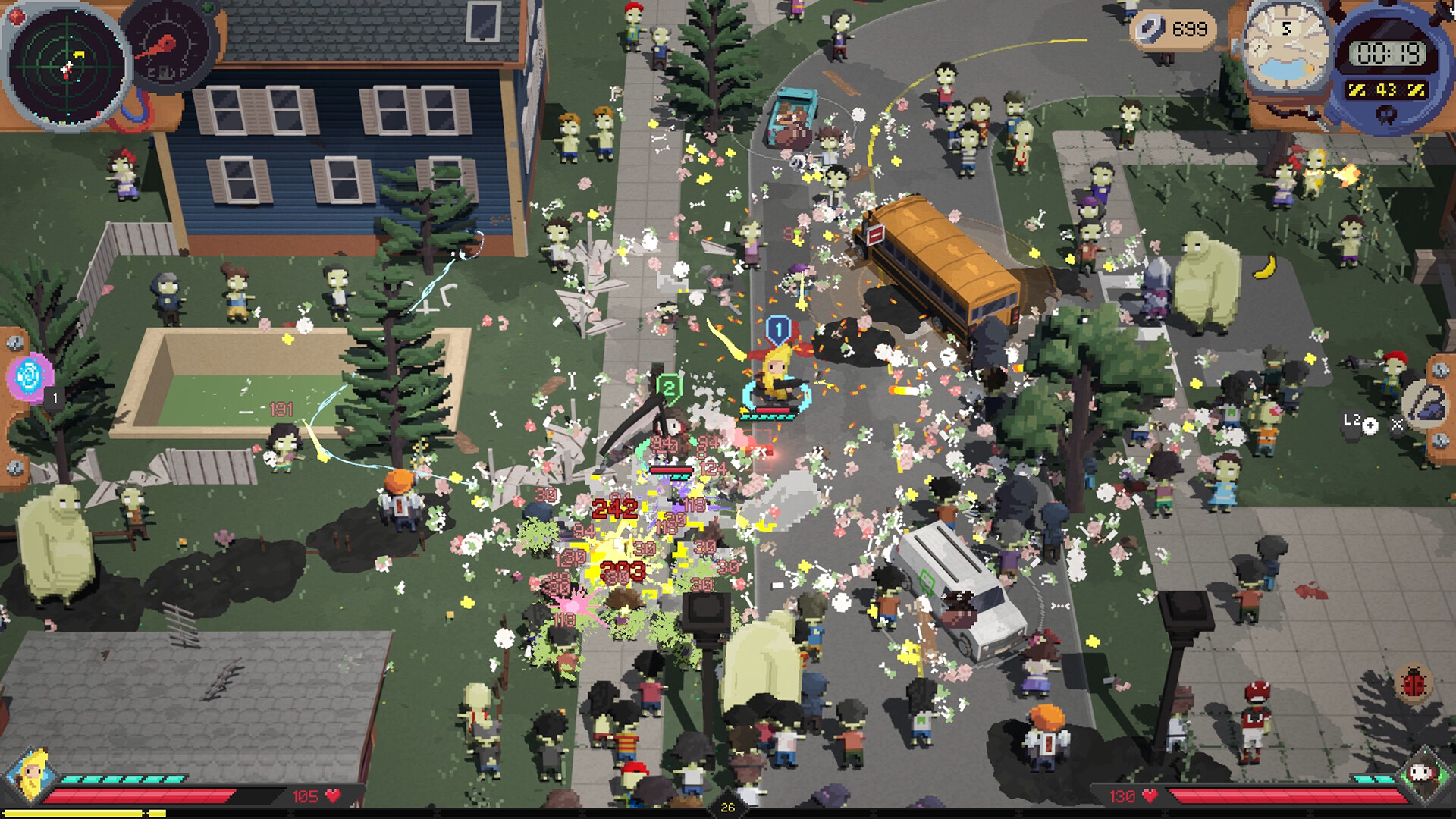 Co-op setup and shared backpacksShared bag arrangements still depend on valid selectors and recipients.
 Wi-Fi RepeaterCarry incoming effects into or out of the mirror arrangement.BatteryKeep the final weapon eligible for Battery’s on-hit effect after transfer.
Hand Mirror copies effects received by a marked item onto the marked item opposite it. Its direction matters; it is not a bonus to every neighboring object.
Identify the original support, its recipient, and the opposite recipient in the Mirror’s arrangement. Choose a receiver that can use that effect. A gun-only modifier does not become universal by passing through the Mirror.
Keep the direct support working while fitting the second recipient. After rotating equipment or changing the co-op boundary, check which item is now opposite. A symmetrical-looking bag can still copy an effect somewhere useless.
Put the intended receivers on opposite marked sides, then inspect each receiver’s highlighted effects. The mirror transfers effects applied to a marked item to the item across from it. It does not duplicate the item itself or turn every nearby object into a receiver.
Wi-Fi Repeater can carry effects into or out of a mirror arrangement. Build one connection at a time and inspect the final weapon after each move. An item’s own targeting conditions still apply after transfer.
Use the Wi-Fi Repeater guide to establish one source-to-receiver connection before adding the mirror. Battery gives you a named on-hit effect to inspect on the receiving weapon. Keep a direct working connection until the transferred effect appears on the intended recipient.