 Fieldguide

Quick reference
A support works only when its recipient is inside the marked cells and belongs to an accepted item type. Weapon hands are a separate limit: an item can fit in the bag without being equipped.
- Support requirement
- Both the marked position and the recipient's item type must match.
- Hands versus space
- Extra backpack cells do not grant extra equipping hands.
- Tesla Coil
- Its bounce bonus requires an even count of marked electric items.
- Secret Sauce
- Marked Food is deactivated, including affected character equipment.
- Co-op
- Selectors can reach the other backpack; character-event restrictions still apply.
What to do
- Place the weapon or character item that must remain active before fitting its supports.
- Check the receiving item after rotating or moving a support, rather than judging the gap between the icons.
- Recheck weapon-hand requirements after adding a weapon or changing hand support.
- Recount Tesla recipients and inspect Food around Secret Sauce after every major rearrangement.
Useful equipment and guides
 Plasma HandAdds weapon-hand capacity without adding backpack cells.
 Tesla Coil’s even-item ruleExplains how a merge or movement can break the even-count bonus.
 Secret Sauce and FoodShows which Food connections must be kept outside Sauce's marks.
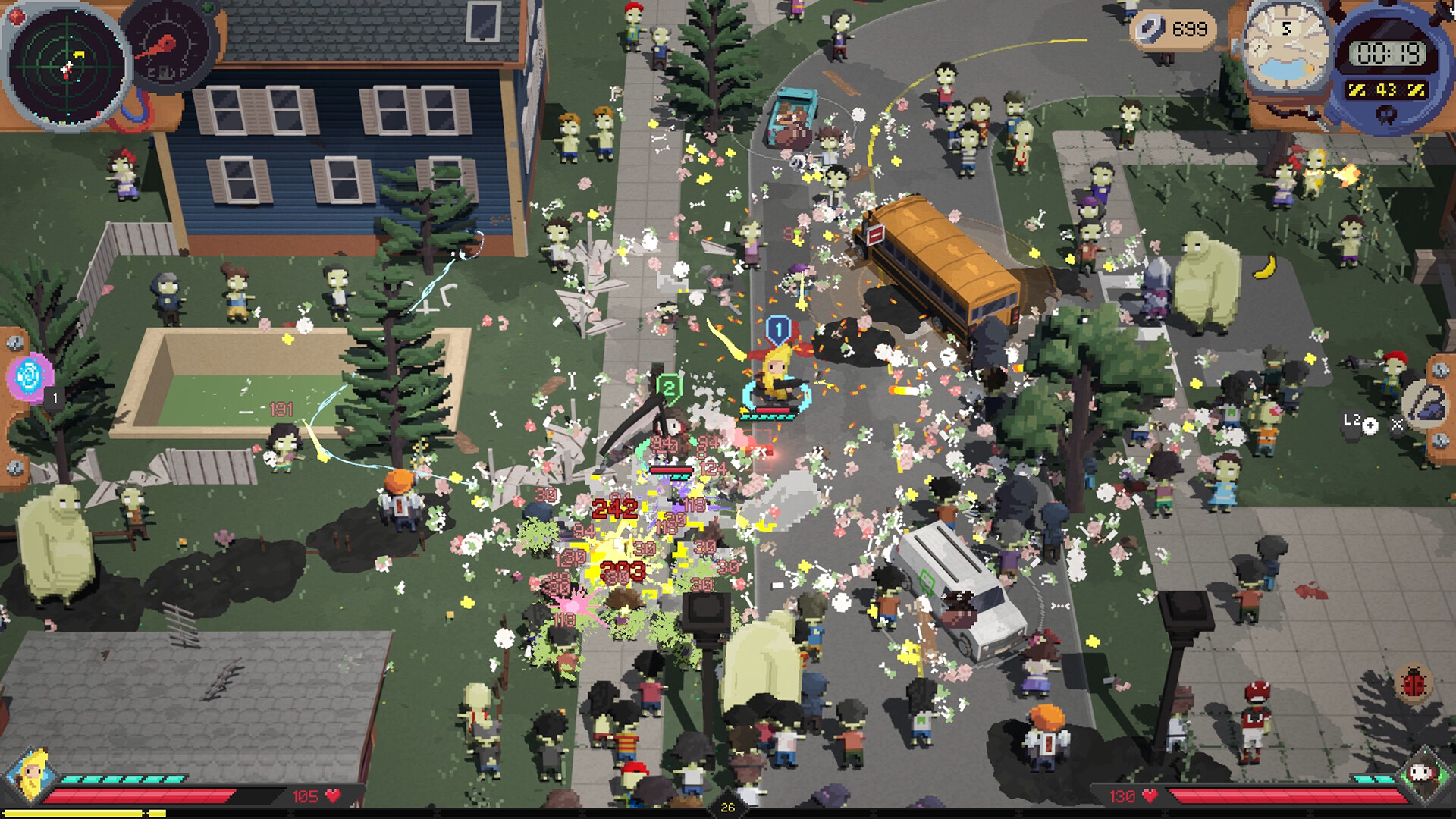 Co-op setup and shared backpacksCovers selectors crossing the shared inventory edge.
Support marks and item types
A support’s marked cells show where it can send an effect. Its wording tells you which items can receive that effect. A weapon can sit beside a support and gain nothing because it lies outside the selector or belongs to the wrong category.
Place the equipment you need first, connect the supports, then use the remaining space. Inspect the receiving item after moving a support. Version 1.0 improves Auto Equip around synergies, but the automatic arrangement still needs that check.
Rotating items
Use the rotation prompt shown for your current input scheme while moving an item. After rotating, inspect the marked cells again. Preserve enough room for the actual footprint of a replacement or upgrade.
Weapon hands
Hands are a separate limit from backpack cells. Check the hand indicator and the weapon requirement after adding equipment. Craftable Plasma Hand supplies extra equipping hands; it does not add bag space.
Item conditions and co-op
Tesla Coil needs an even count of marked electric items. Cogwheel needs triggerable recipients. Secret Sauce can deactivate marked Food. Recheck the relevant condition after a merge or rearrangement.
Co-op selectors can reach into the other player’s bag. If a teammate moves your recipient, the connection can disappear without anything changing in your own backpack. Review the shared edge together before leaving the inventory.
A weapon that fits but stays inactive
Check its condition, its hand requirement and the hands already committed to other weapons. Empty cells do not supply more hands. Repair damaged equipment with scrap before relying on it. Plasma Hand solves an equipping limit; a bigger bag solves a space limit.
For support problems, hover the receiving weapon and trace the highlighted sources. A support can occupy the correct-looking space while marking the wrong type of item. Start with one support and one receiver before extending a chain through Wi-Fi Repeater or Hand Mirror.
Healing items
Health Kit works automatically after damage, provided you avoid another hit during its recovery window. It is different from an activated healing powerup. Shield Generator restores armor and also needs an uninterrupted interval. Repeated small hits can therefore prevent recovery even when the item is equipped.