 Fieldguide
Quick reference
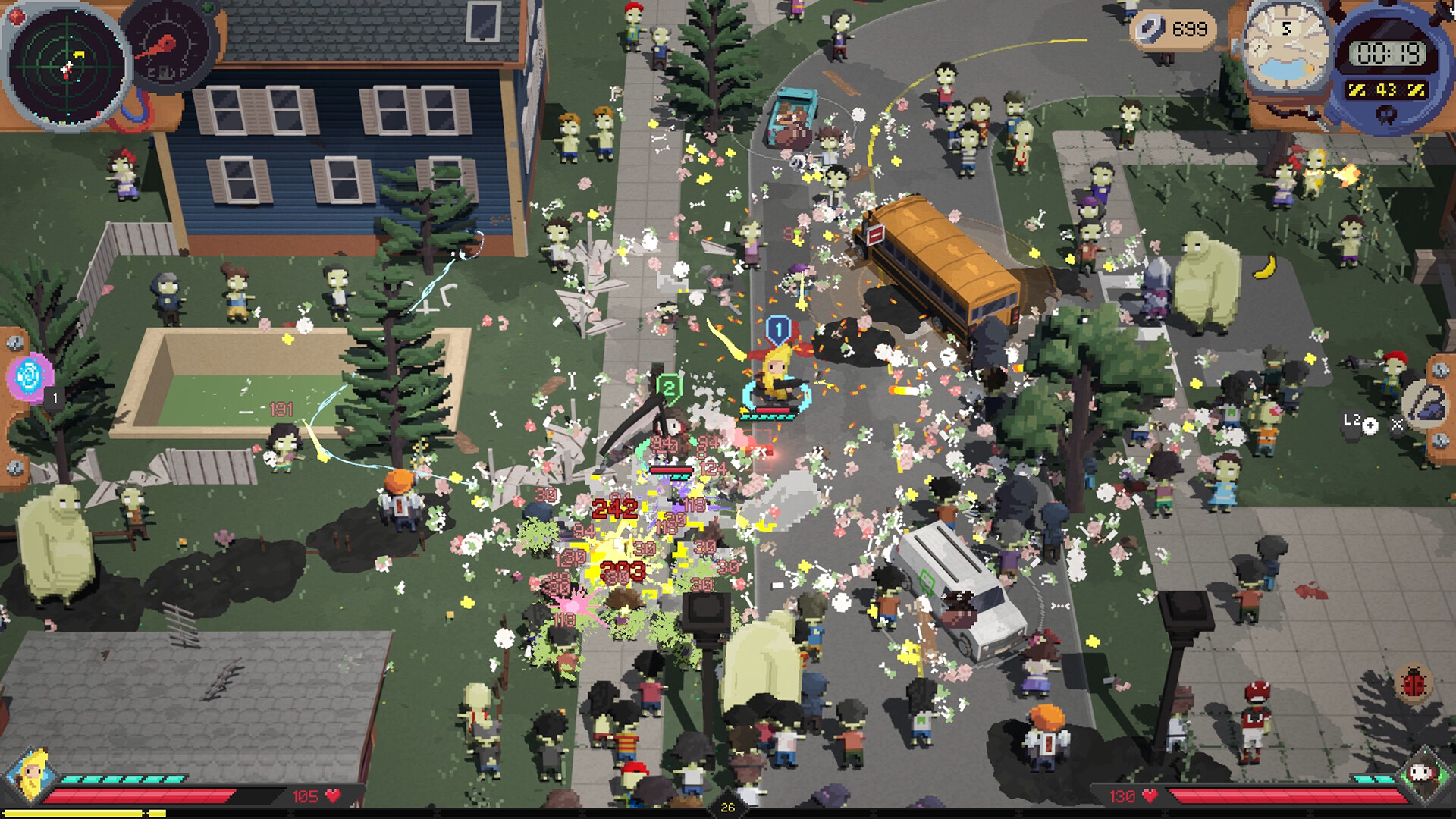
For Steam Remote Play, invite the second player, connect at least one controller and choose Add Player from the pause menu. During the run, coordinate shared scrap and rerolls as well as support effects crossing the backpacks.
- Controller
- At least one player needs a controller for Remote Play co-op.
- Invited player
- Does not need another purchase or installation for this Remote Play setup.
- Shared resources
- Scrap, rerolls, experience and stash are shared.
- Airdrops
- Each player chooses an item in turn.
- Cross-backpack effects
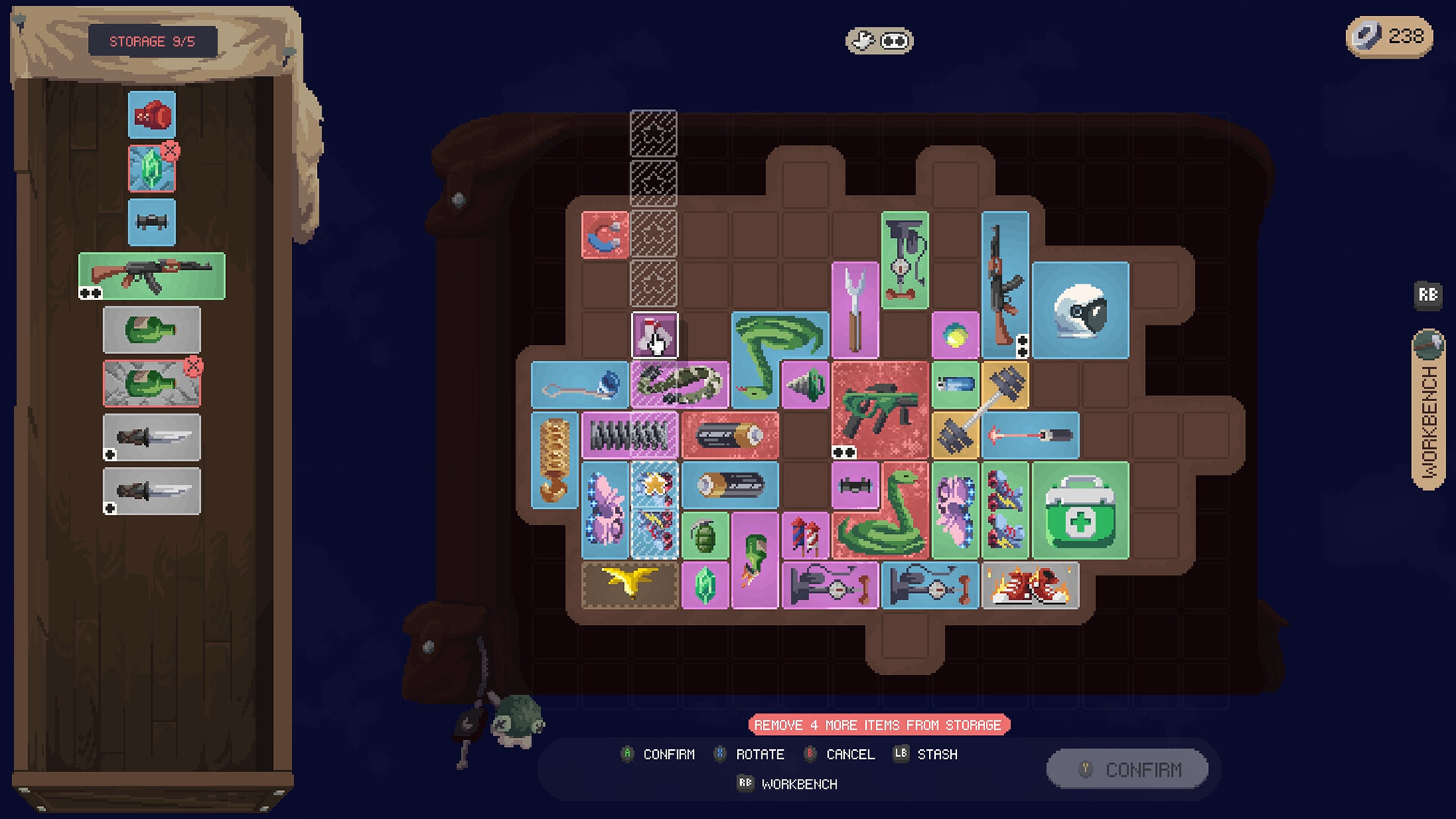
- 1.0 selectors can reach the partner's grid, but triggers still count the matching character's events.
What to do
- Host the game, invite the partner through Steam, then pause and select Add Player after they join.
- Have the second player move their controller right, then take both survivors to the bus.
- Agree on purchases before spending scrap or rerolls the other player is saving.
- Name the support and recipient at the shared edge, and tell the partner before moving either one.
Useful equipment and guides
 Co-op Battery and Pistol buildA named Battery-to-partner-Pistol setup using the shared-edge rule.
 Backpack marks, rotation and weapon handsChecks for recipient eligibility, marked cells and hand capacity.Cogwheel trigger chainsWhy crossing the bag boundary does not remove character-event restrictions.
Steam Remote Play setup
To play through Steam Remote Play:
- The host launches the game and invites the partner through Steam’s friends interface.
- Connect at least one controller. The invited player does not need a separate purchase or installation for this setup.
- After joining, pause and choose Add Player.
- The second player moves their controller right, then both players head to the bus.
The host can also use a controller while the partner uses keyboard and mouse. Use your configured Steam overlay shortcut.
Shared scrap and rerolls
Rerolls, scrap, experience and stash are shared. Each player chooses an airdrop item in turn. Discuss the next purchase before spending a resource the partner may be saving.
Compare the weaker backpack as well as the stronger one. Making an inactive weapon useful can help the team more than another optional damage item for the player already clearing enemies.
Cross-backpack selectors
Version 1.0 lets the grids touch and selectors reach the other backpack. Identify a specific support and recipient, then confirm the partner’s item lies inside the marks. The Battery-to-Pistol build is one example linked below.
Tell the partner before moving a shared recipient. A merge, new bag or weapon replacement may break the other player’s effect.
Version 1.0 fixes triggers counting the wrong character’s events. A selector crossing the boundary does not prove that every action by either player can start that trigger.